


There are two ways to join a team fundraiser as a participant:
- In person scanning a QR code 📱
- Receive an invite from your teacher or coach 📧
Scanning the QR code 📱
- Once your teacher or coach pulls up the QR code to join the fundraiser
- Enter your email, and a link will be sent to your inbox with access to your fundraising page.
- Please click that link and finish filling out the information.
How to Accept the Invite from Your Email 📧
- Click the pink bar in your invitation email;
- Enter your full name and Birthday;
- Click Create my free account.
- On the next screen, upload a picture of yourself
- Optional: You can enter your Parent/Guardian email
- Save your info. ✅
How to Share Your Page for Donations 🤝
How to Share via Email 📧
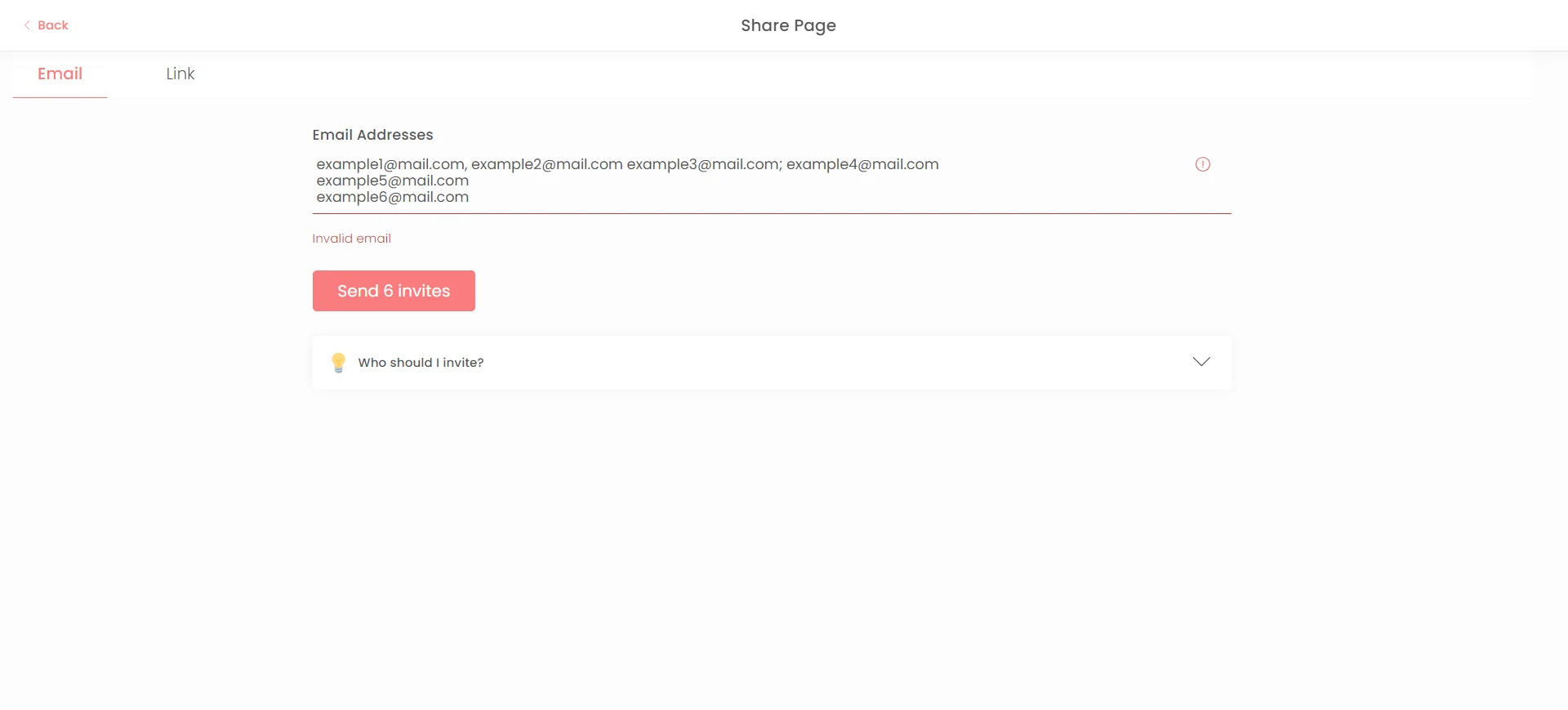
To share your page for donations, enter the email addresses of the people you want to reach. Separate each email with a comma, semicolon, or space.
How to Share via SMS 📱
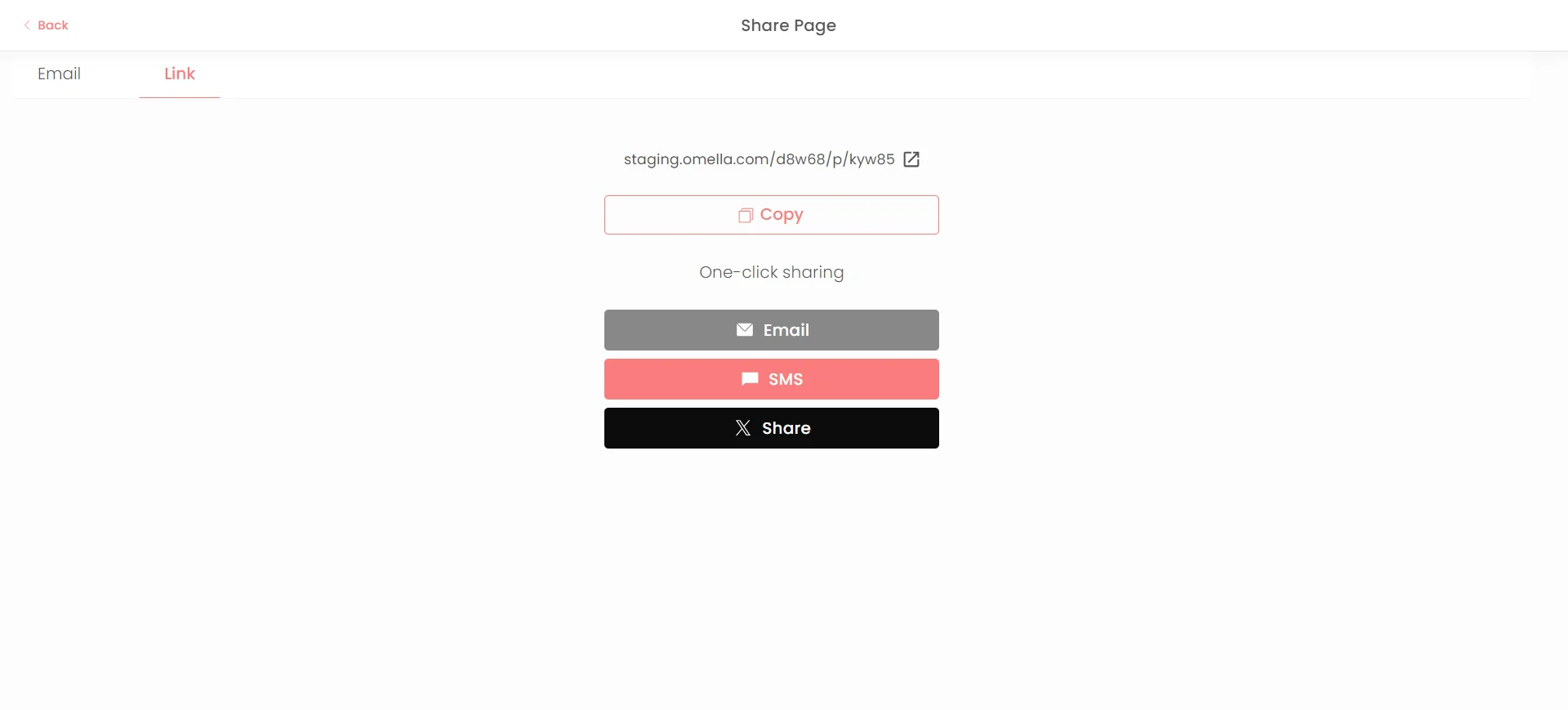
- Make sure you’re on your fundraiser page.
- Click 'Share' and then 'Link'.
- Choose SMS and select the contacts you want to send your fundraiser to.
Other Ways to Share 🌐
You can share your fundraiser in many ways, like social media, or link directly with friends and family. Get creative! 🎨
How to Log In Again 🔑
If you need to log in again, simply go to the page and click on Join. Then, enter the email you used previously. An email will be sent to your inbox, allowing you to access your page again.
📹 Prefer a video guide?
Watch the walkthrough here:
If you still have trouble, you can contact the Omella Support Team at help@omella.com