

Features
Find out all the latest features we keep shipping in Omella.
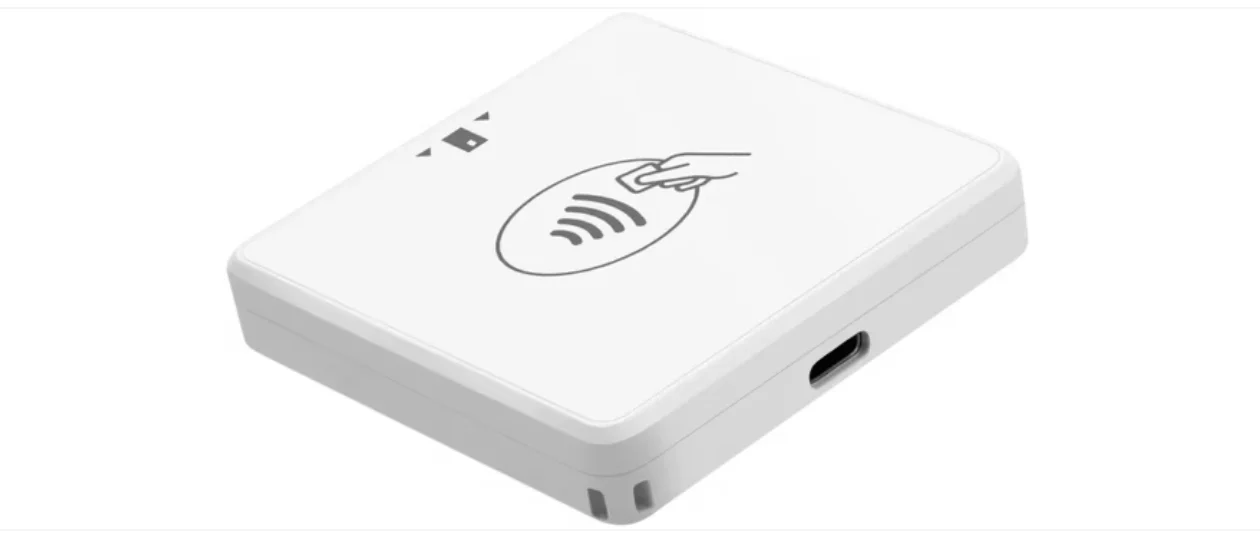
Omella Go Card Reader FAQ
Learn how to prepare, connect, and use the Omella Go Card Reader to accept in-person payments, manage cashier access, and troubleshoot common device, network, and payment issues.
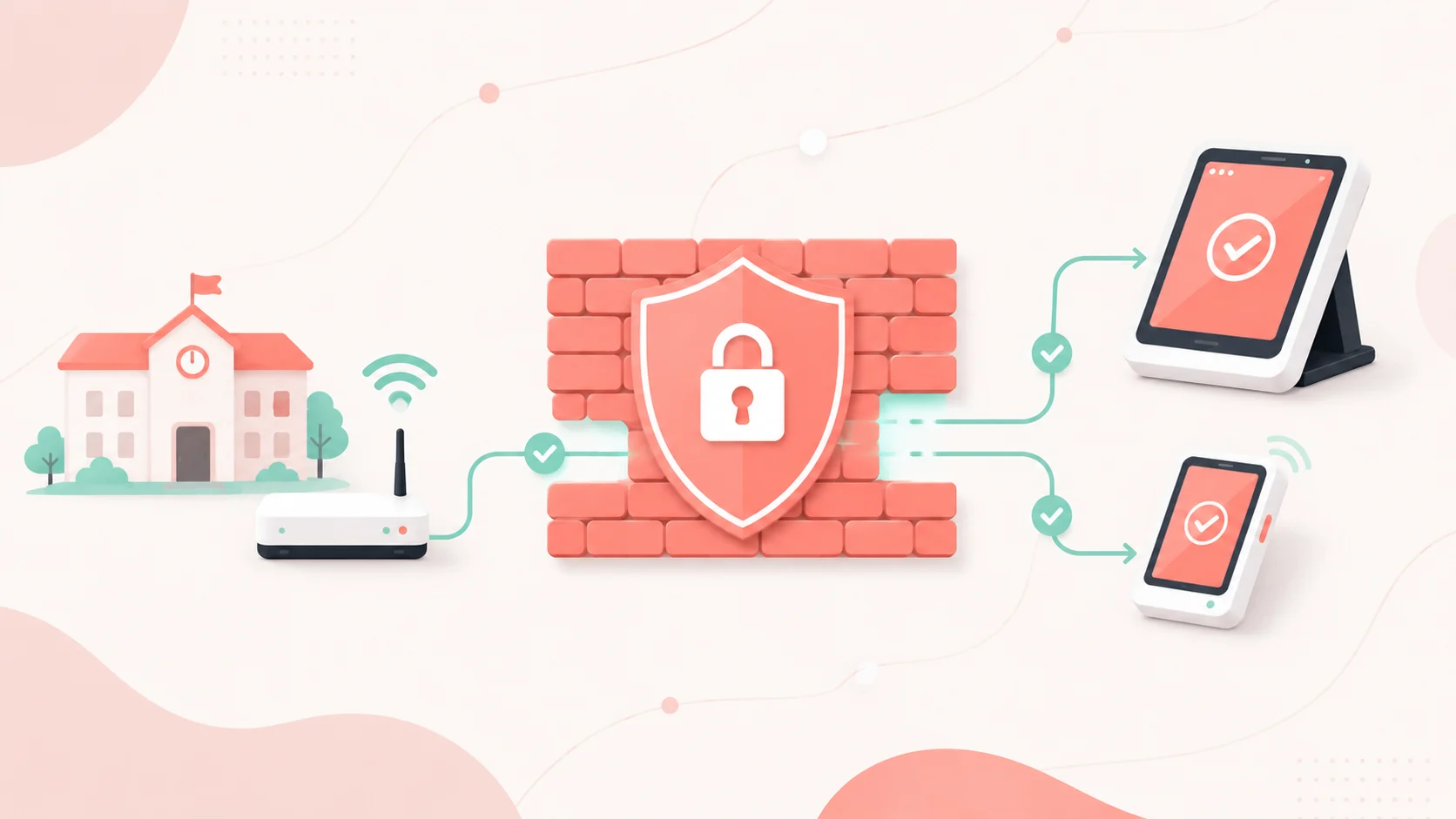
Customer guide: firewall settings – STRIPE
Omella Firewall Configuration - Stripe
Customer Guide: Firewall Settings – FINIX
Omella Firewall Configuration - Finix
Omella now integrates with Skyward®
District payments families actually love. Now built for Skyward districts.
Your Back-to-School Guide
From the first parking permit to the first Friday night game — everything to get set up before the year kicks off.
GASB 84 Compliance Made Simple: How to Eliminate Student Activity Fund Headaches Forever
Eliminate GASB 84 compliance headaches with automated student activity fund tracking. Learn requirements, see real fraud cases, and discover how Omella ensures audit-ready compliance for superintendents and CSBOs.
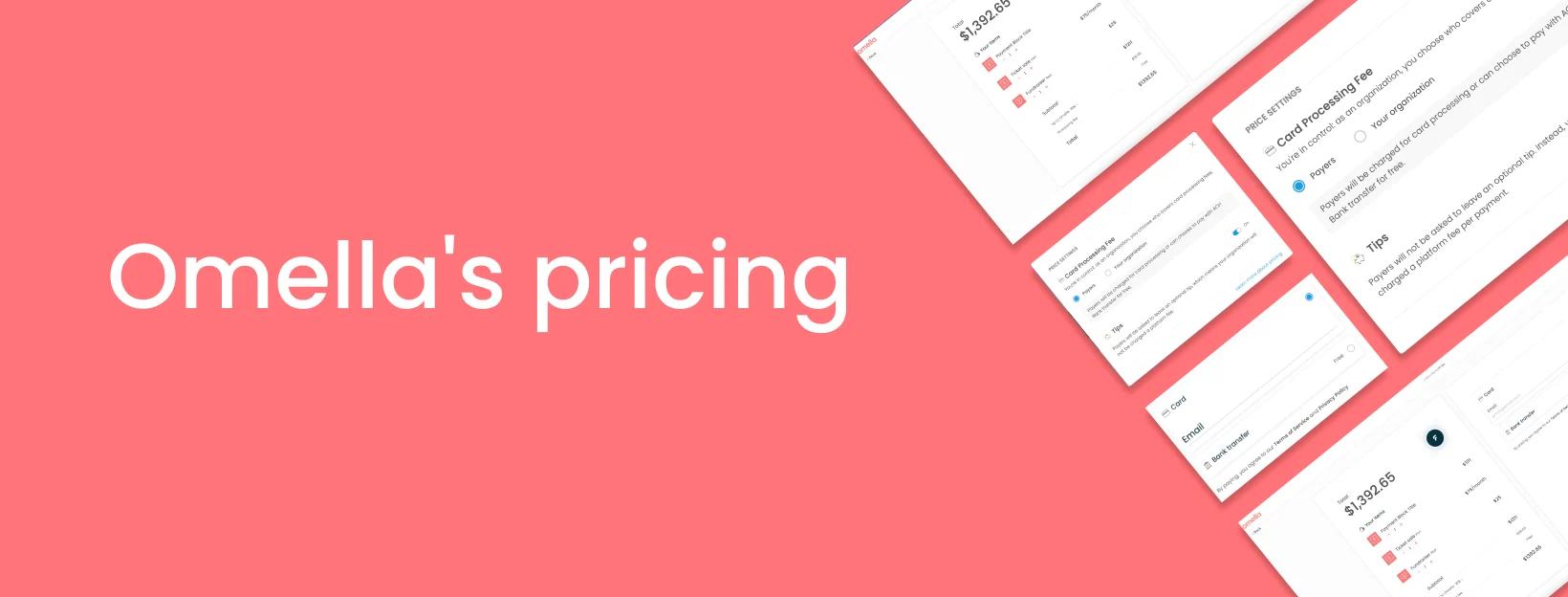
Omella's pricing
Pricing: free online payments with tips and ACH Bank Transfer
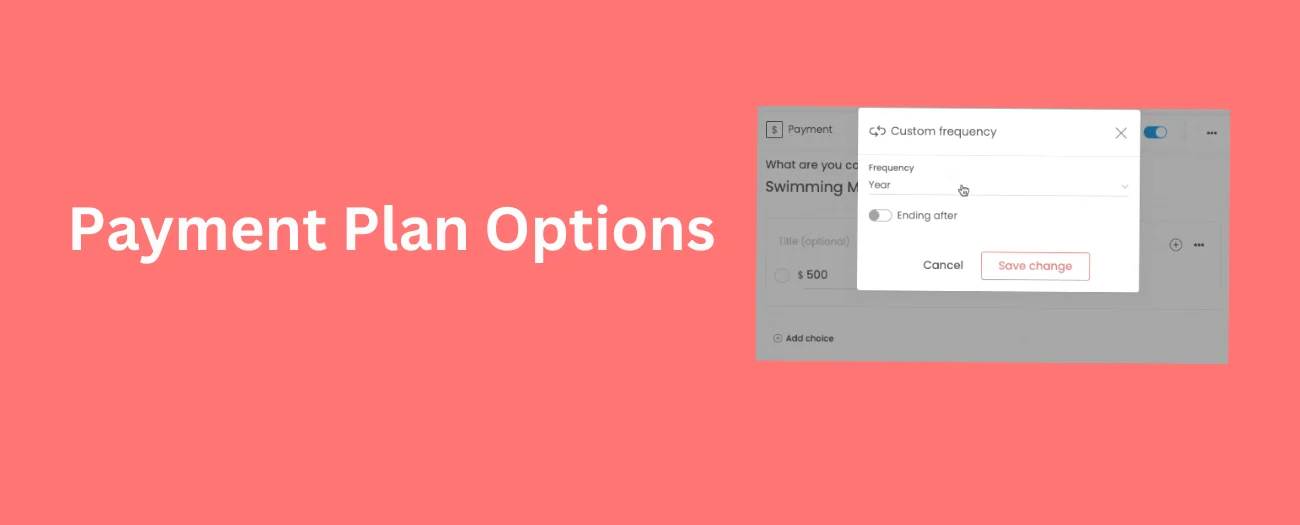
Updated Payment Plan Options
We made it easier to set up monthly subscriptions or payment plans!
View Payment Report & Form Responses in Real-Time via Google Sheets
Use this neat feature to have a bird's eye view of all the responses and payment to your organization via Google sheets

Team Fundraiser Participants FAQ
If you are participating in a team fundraiser, this article will explain how to create your profile and setup a fundraising page, share your fundraiser and track donations.

Managing Cash Payments Effectively with Omella
Omella makes it simple to accept and track cash or check payments while keeping everything organized in one place. Here's how to set it up and manage it efficiently.
How to Offer Payment Plans and Installments
Offer payment plans and installments
Add Flair To Your Omella Pages With Emojis 🎉😍
In case you didn’t know already, Omella pages support adding Emojis 🚴. Here's how you can add it to your pages.
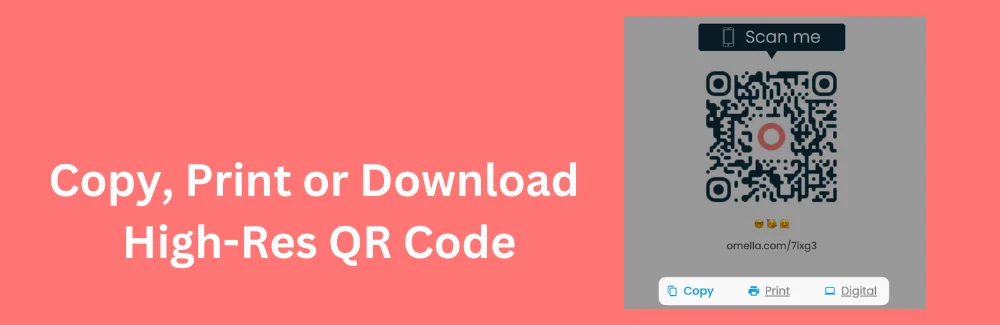
Copy, Print, or Download the QR Code
You can now copy, print or download a high-resolution (SVG format) QR code for all your pages.

Logo and cover image
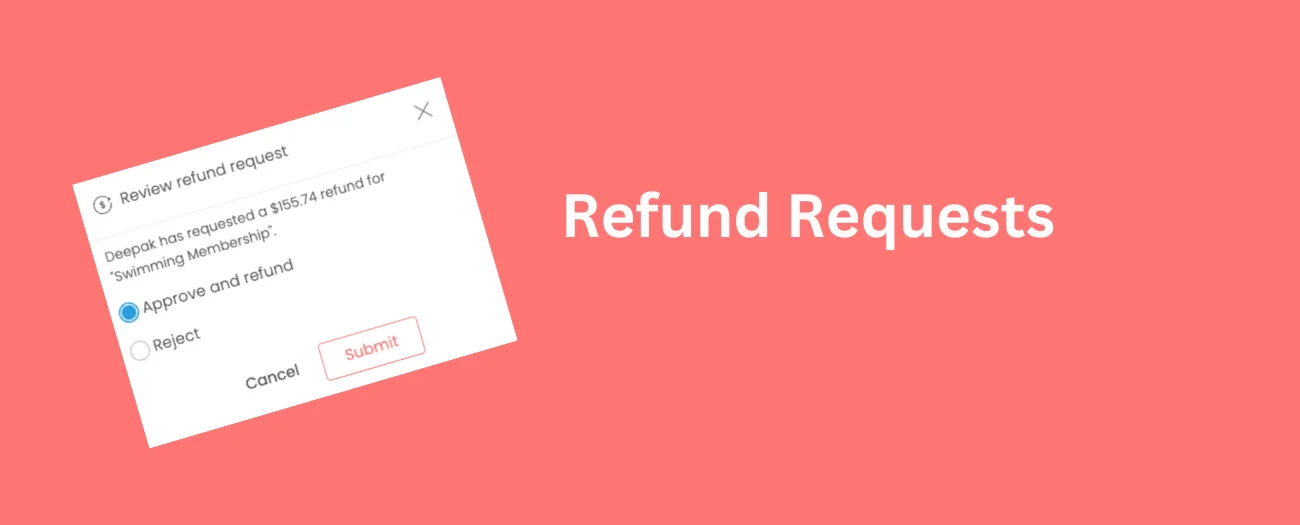
Payer Initiated Refund Requests
Your payers can now request a refund with a simple click!
Payer Navigation
Assistance with accessing your account or organization/school

South Elgin High School streamlines all Homecoming ticket approvals and purchases through Omella
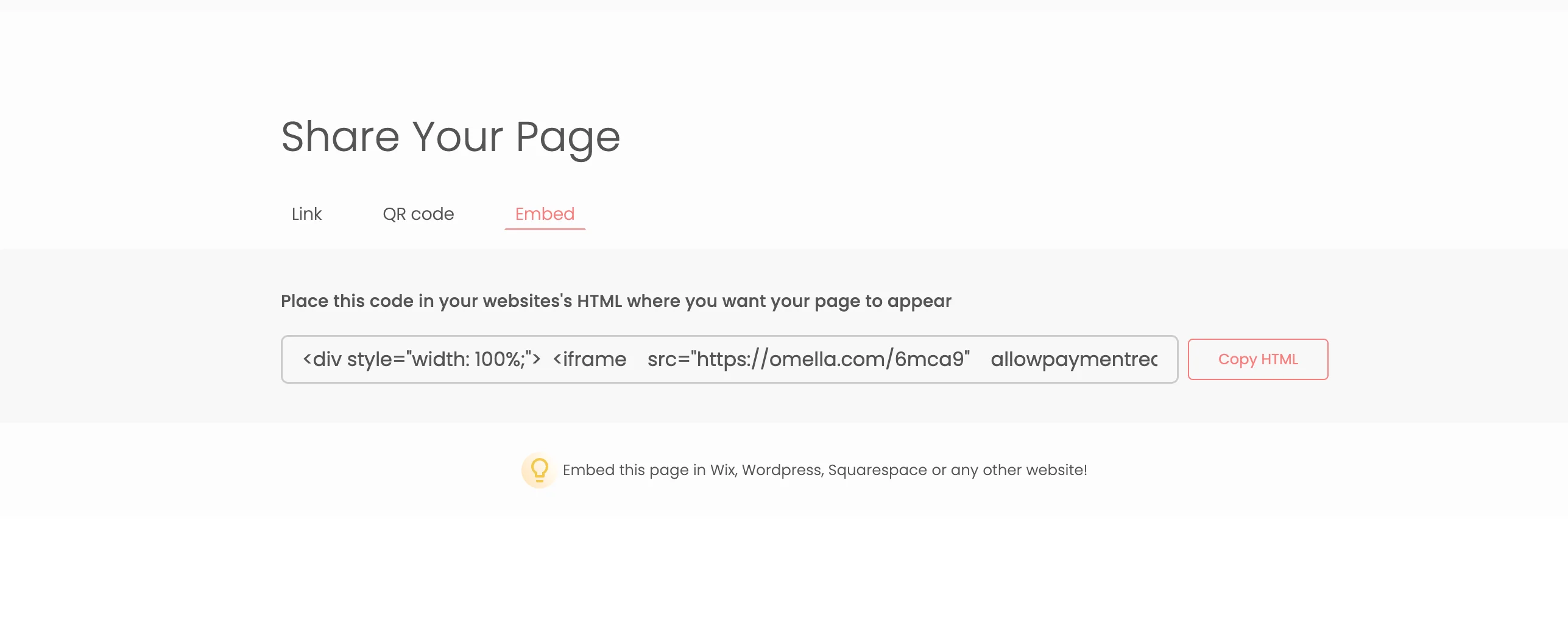
Collect money and forms from your website with embedded pages
Collect money and forms from your website with embedded pages
Can I accept payments in Google Forms?
Advanced Onboarding with Omella
Now that you know the basics, we'll review our advanced features
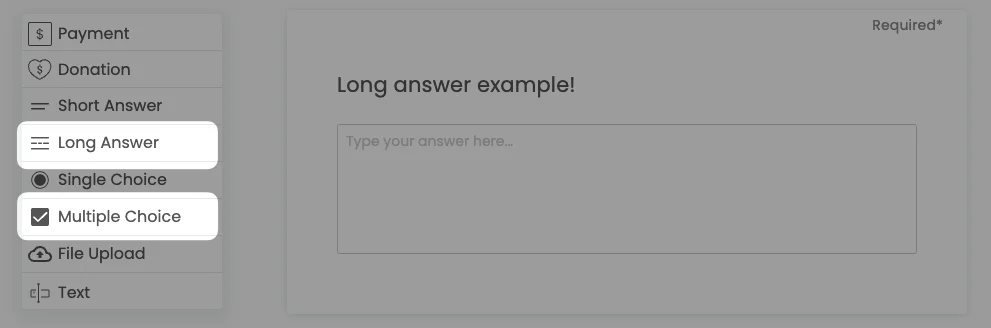
Feature Update: Long Answers & Multiple Choice
Omella organizers can now create long answers and multiple choice question. Check out how.
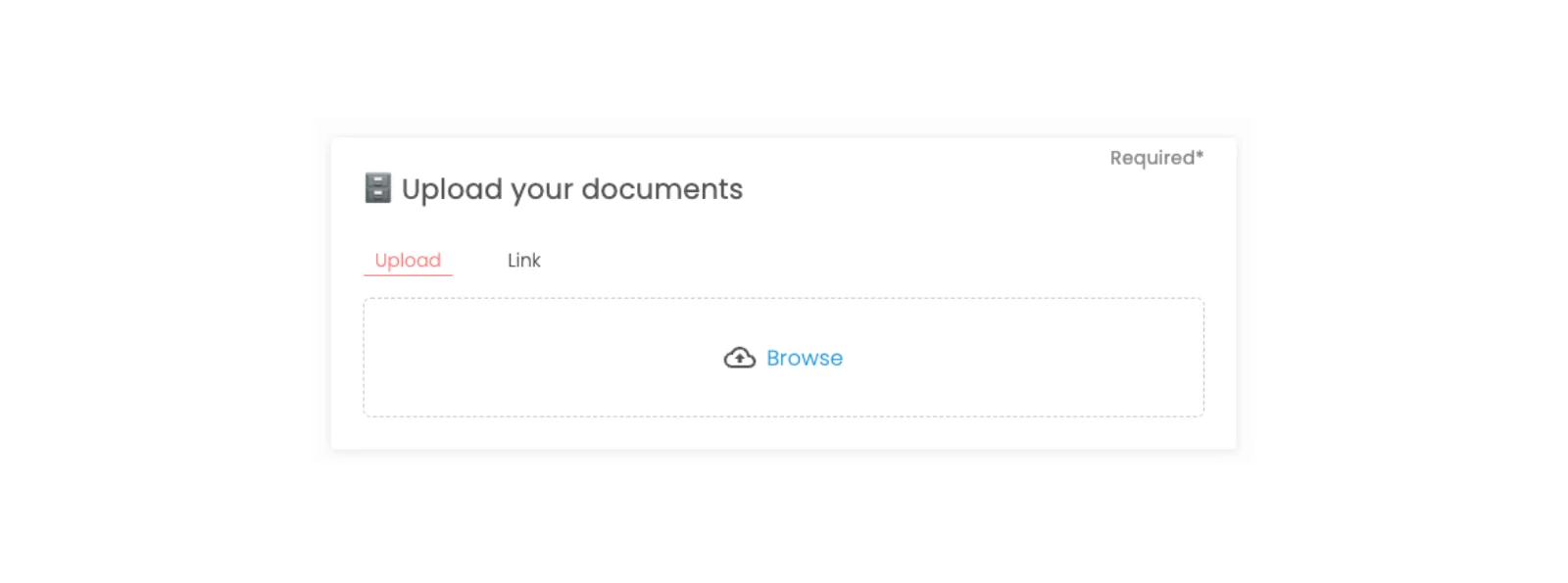
Upload Files, Documents, Videos and Links
Responders can now upload any type of document, file or link directly to Omella

How to copy a page
Copy a page in one-click!
Onboarding with Omella
We're here to help you get started with a step-by-step guide to Onboarding with Omella
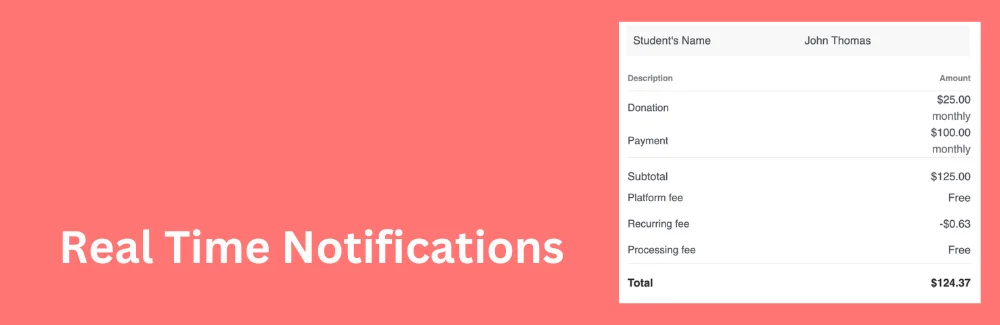
Real-Time Notifications - Receive Email Notifications for Payments and Responses
Organizers & responders are now notified every time a form is filled or payment is made.
View Payments and Form Responses In Google Sheets 📊
View all payments and responses in google sheets and export or download to excel or csv