


Created by the founders of
Finally, a Card Reader for Schools
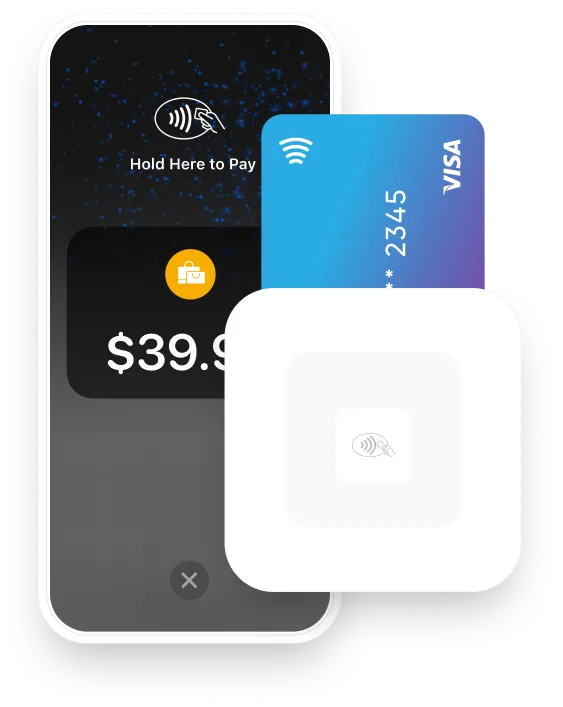
Accept in-person payments for concessions, fundraisers, and dances - with instant reconciliation and one-tap Apple Pay and Google Pay. No contracts.


100% free with tips

PCI & encrypted

Apple & Google Pay

Works anywhere - WIFI or 4G

FERPA, COPPA & SOPPA compliant

See It In Action
Why is it so hard to collect money in K-12 schools?
Trusted by 100's of Schools and districts

Lyons High School

Oak Lawn High School

Barrington High School

Oak Forest High School

Lemont High School

Andrews High School
Lyons High School

Oak Lawn High School
Barrington High School
Oak Forest High School
Lemont High School
Andrews High School
Fast setup • No credit card required • 1-1 onboarding
✨
Why Schools Choose Omella
Key Benefits
Everything you need to streamline school payments from homecoming, to fundraising, concessions and more - without the crazy fees.

Ridiculously easy to use
Teachers, administrators and or coaches can start collecting in minutes — with just the app or a tap-to-pay card reader.

Faster lines = more money raised
Tap or insert. Move through checkout faster at games and events, and don’t miss a single sale.

Works anywhere
Collect payments in the gym with WiFi or out on the football field with LTE!
No hardware required with iPhone Tap to Pay or use Omella's contactless reader with iPhone, iPad or Android.
No hardware required with iPhone Tap to Pay or use Omella's contactless reader with iPhone, iPad or Android.

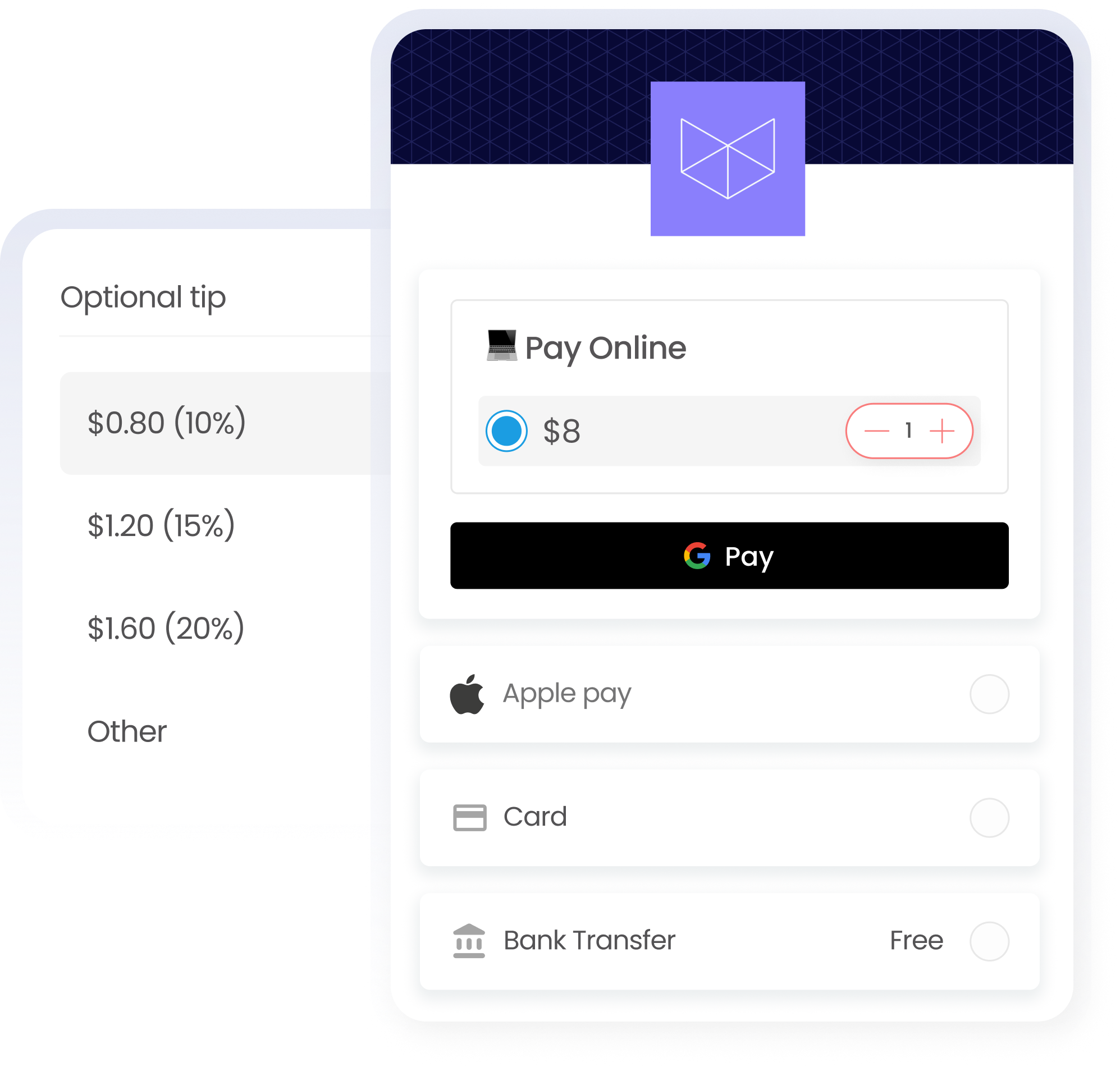
Lower fees. Optional tips!
Omella is 100% free with tips enabled and payers always have a free option. Learn more: Omella.com/pricing

Built for schools, trusted by districts
COPPA, FERPA, SOPPA, Edlaw2D compliant and all financial data is encrypted & PCI compliant. No student data sold!

Track everything in one place
Accept and reconcile online, cash, and card payments to their respective activity or event with real time reporting in Google Sheets.
How Omella works
Accept payments in three simple steps
Coffee
Hot beverage
$5.00
Soda
Cold drink
$3.00
Hot dog
Grilled item
$5.00
Water
Beverage
$1.50
1
Add items
Cashier quickly adds items to the order using the intuitive Omella app

Hold here to pay
Total
$14.50
2
Customer pays
Tap or insert - Apple Pay, Google Pay,
card or ACH supported
card or ACH supported

Payment Complete
Order #1234
☕
Coffee
$5.00
🥤
Soda
$3.00
🌭
Hot dog
$5.00
💧
Water
$1.50
Total
$14.50

3
Order complete
Payment approved instantly with automatic receipt delivery and order fulfillment









How Omella Compares
See how Omella stacks up against the payment methods schools currently use
What You Get |   |  |  |  |  |
|---|---|---|---|---|---|
Tap-to-Pay Accept payments right from your phone, no hardware required! |  | |  | | |
POS Card Reader Tap, swipe or insert to accept payments | | | | | |
GASB Compliant Activity-based Accounting™ Funds are automatically mapped to a program or activity | | | | | |
School-Specific Features Custom forms, signatures, require student IDs, check payouts and more... | | | | | |
Safety & Compliance Designed for Schools COPPA, FERPA, SOPPA, EdLaw 2D, PCI compliant. No student data sold. | | | | | |
All-in-one Prom tickets, concessions, school store, fundraisers, registrations, signatures, parking and more... | | | | | |
Lowest Pricing Keep 100% of what you collect. Omella makes money on optional tips. Omella.com/pricing | | 2.6% - 3.5% + 15¢ | 5% + $1 per ticket | 20% | |
FAQ
Can one device (iPhone, iPad or Mac) be connected to multiple readers at once?
What types of cards and digital wallets are accepted?
Do I need to download an app to accept payments?
How much does the card reader cost?
What are the fees involved for using Omella?
How do I grant a member access to use the card reader?
Can multiple pages be connected to the same card reader?
How do refunds work for payments processed through the card reader/tap to pay?
Can I use the same card reader across all high schools in the district, or do I need one for each school?
Can any smartphone be used to accept payments?
Where can I see a report of all card reader transactions?
What's the difference between the card reader and tap to pay?
How can I order a Stripe M2 Card Reader / accessories?
How do I check signal strength / WiFi connection?
How do I disconnect the card reader?
How do I exit the payment app?
How do I turn off/on the reader?
I am tapping a card but it isn’t working
I powered on my Reader but it does not appear
I see multiple readers. Which do I choose?
If I invite someone to my space, will they only be able to accept payments for pages within that space?
If I log into multiple devices with the same user, can I connect each of those to a reader?
I'm running my first event and want it to go smoothly. Will Omella be available to support me?
The reader is not connected to WiFi (or it is but nothing happens)
Where can I see a report of all card reader transactions?
Why does the M2 reader automatically turn off?
Will it always take such a long time to enable?
Easy Ways to Collect Payments with Omella
Whether you're running a school event, fundraiser, or student club, Omella gives you flexible options to collect payments—your way.
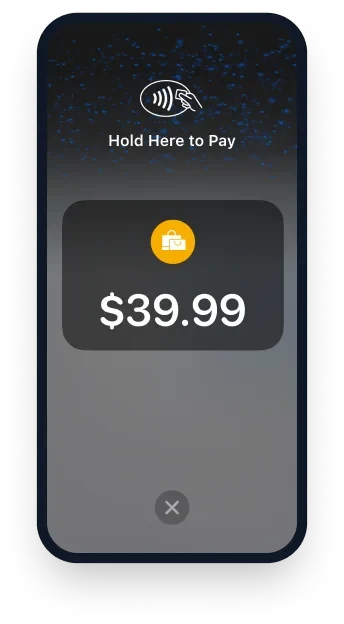
Tap to Pay on iPhone
Tap to Pay on iPhone allows you to accept physical debit and credit cards as well as Apple Pay and other digital wallets directly from Omella's iPhone app—no extra hardware needed.
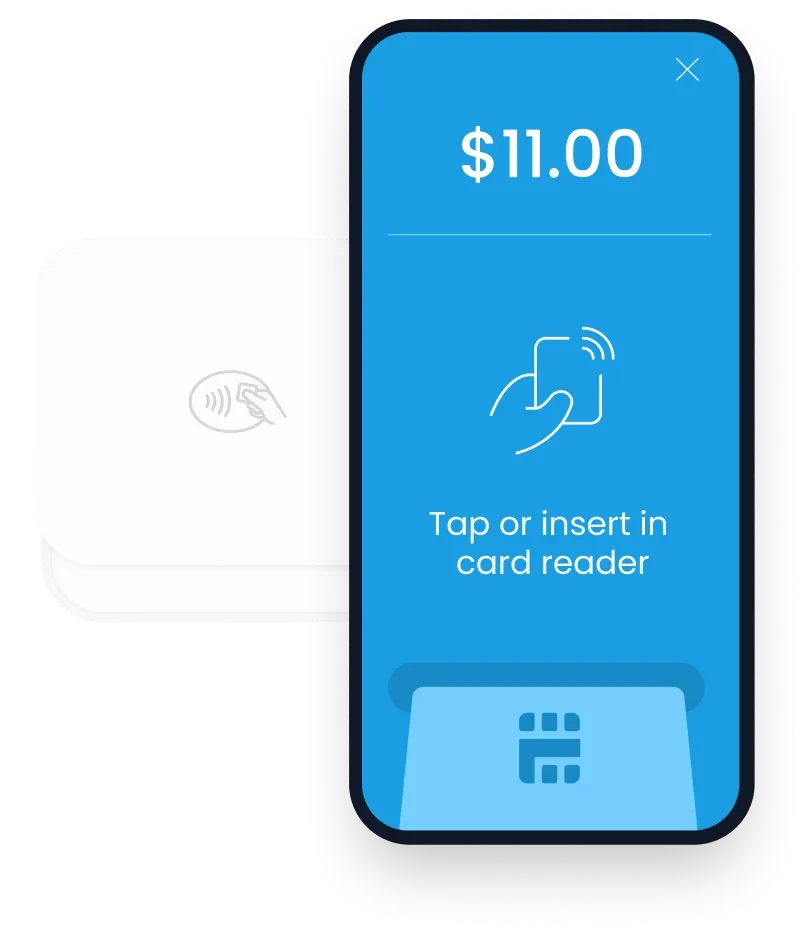
App + Card Reader
Turn your phone into a point of sale (POS) with our contactless card reader. Perfect for events where people prefer tapping or swiping their card.
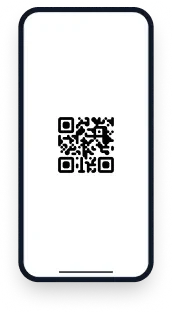
QR Code
Display a QR code and let people scan to pay. It's fast, contactless, and requires zero setup—ideal for posters, tables, or digital flyers.


Trusted by schools nationwide
Thounsands of high scholl and district CFO'o, activities directors, athletic directors, teachers and coaches love Omella




Omella has saved us a tremendous amount of time, money, and frustration over the past year! We've found the platform to be very user-friendly and it covers a lot of our needs as a High School. Brett and his team are wonderful to work with and care deeply about the customer experience. We're grateful to have found Omella and highly recommend it to other small schools or similar organizations.

Sara Flanigan, Wauconda High School
Annual Donation Co-Chair



By the founders of
® 2026 Omella
By the founders of