

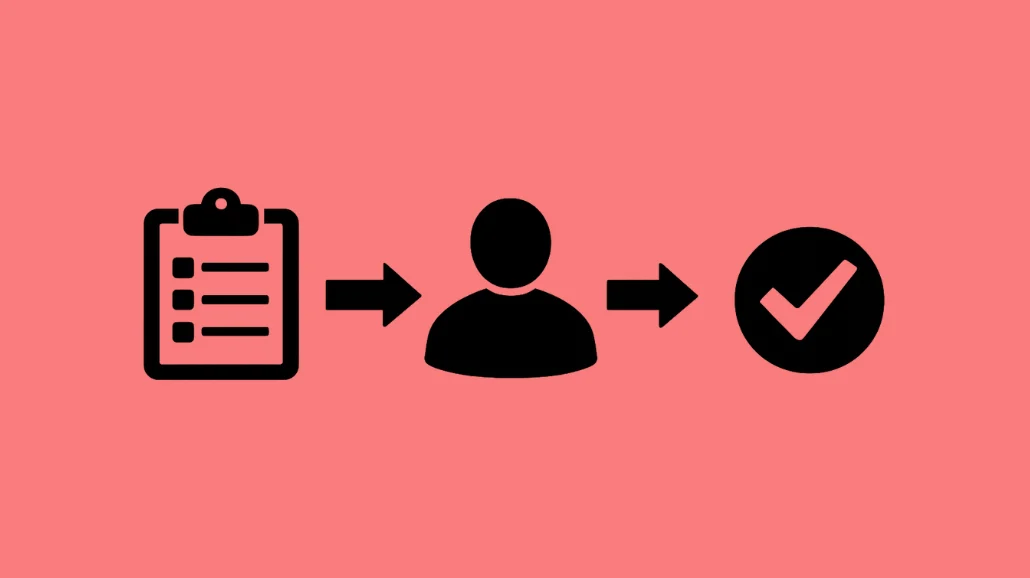
Approval Workflows allow you to collect information, gather approvals, and route submissions between multiple participants without leaving a single page.

Approval Workflows are powered by Sections. Each Section represents a step in the process and can be assigned to a different participant. Participants only see and complete the section assigned to them, keeping the workflow organized and easy to manage.
Common use cases include:
- Prom & Homecoming Guest Approvals
- Permission Slips & Liability Forms
- District Forms
- Expense Reimbursements
- Incident & Safety Reports
- Transcript & Records Requests
Configure the Next Submitter
Use the send to setting within a Section to determine who should receive the next part of the workflow.
You can route a section to:
- The original submitter
- A specific email address

- An email collected from an Email block in a previous section
Each section can be routed to a different submitter, allowing forms to move seamlessly through review and approval processes.
Add an Approval Step
Use the Approval Block when a submission requires review before moving forward.
When a submitter approves the request, the workflow continues to the next section. For example, you may collect payment only after approval has been granted.
If the request is rejected, the workflow ends and no additional sections are sent.
Email Delivery Issues
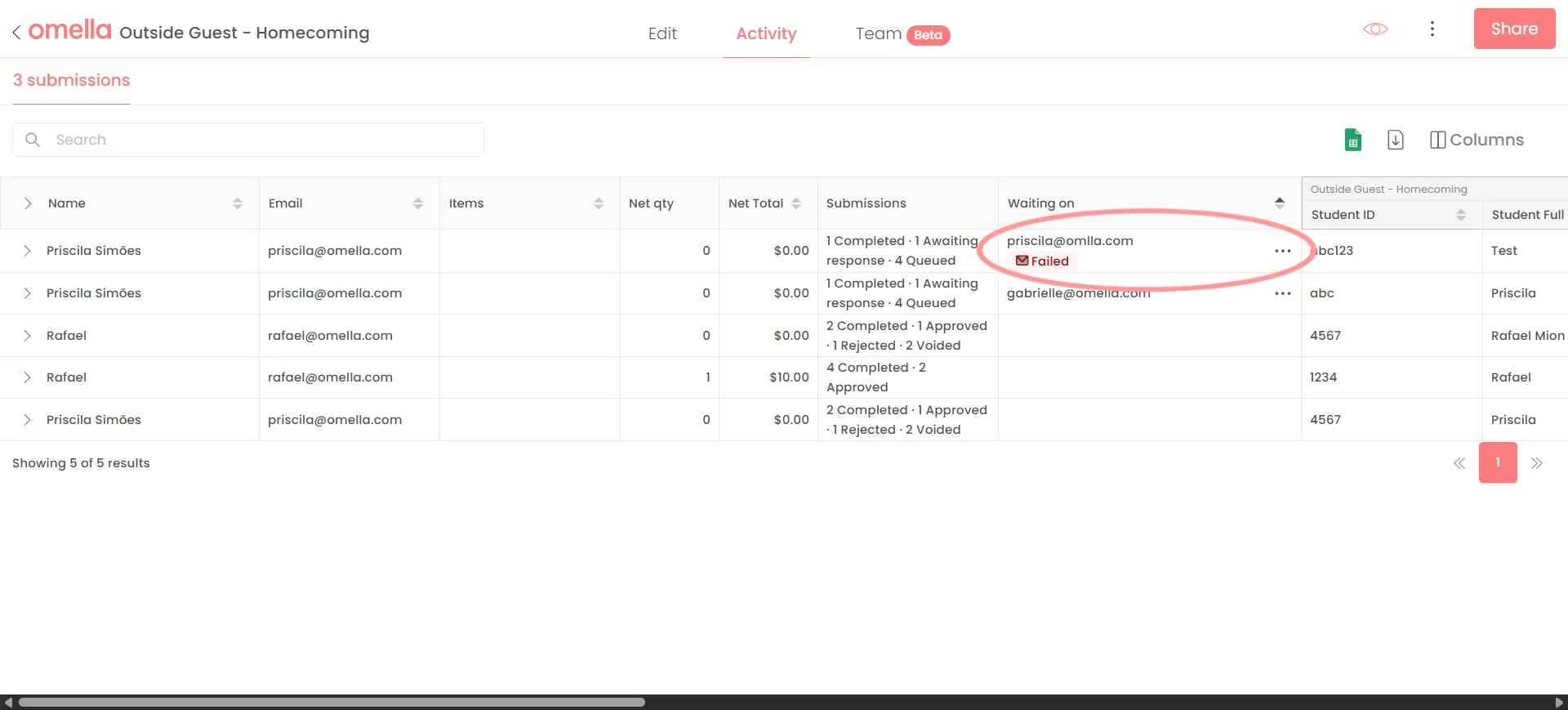
If an email cannot be delivered, you'll see a failed icon in the Activity tab. Update the email address and resend the section directly from the submission.