

1. Add the questions:
Hover over the page until you see the "+" button or the "click + to add" message and select "Short Answer":
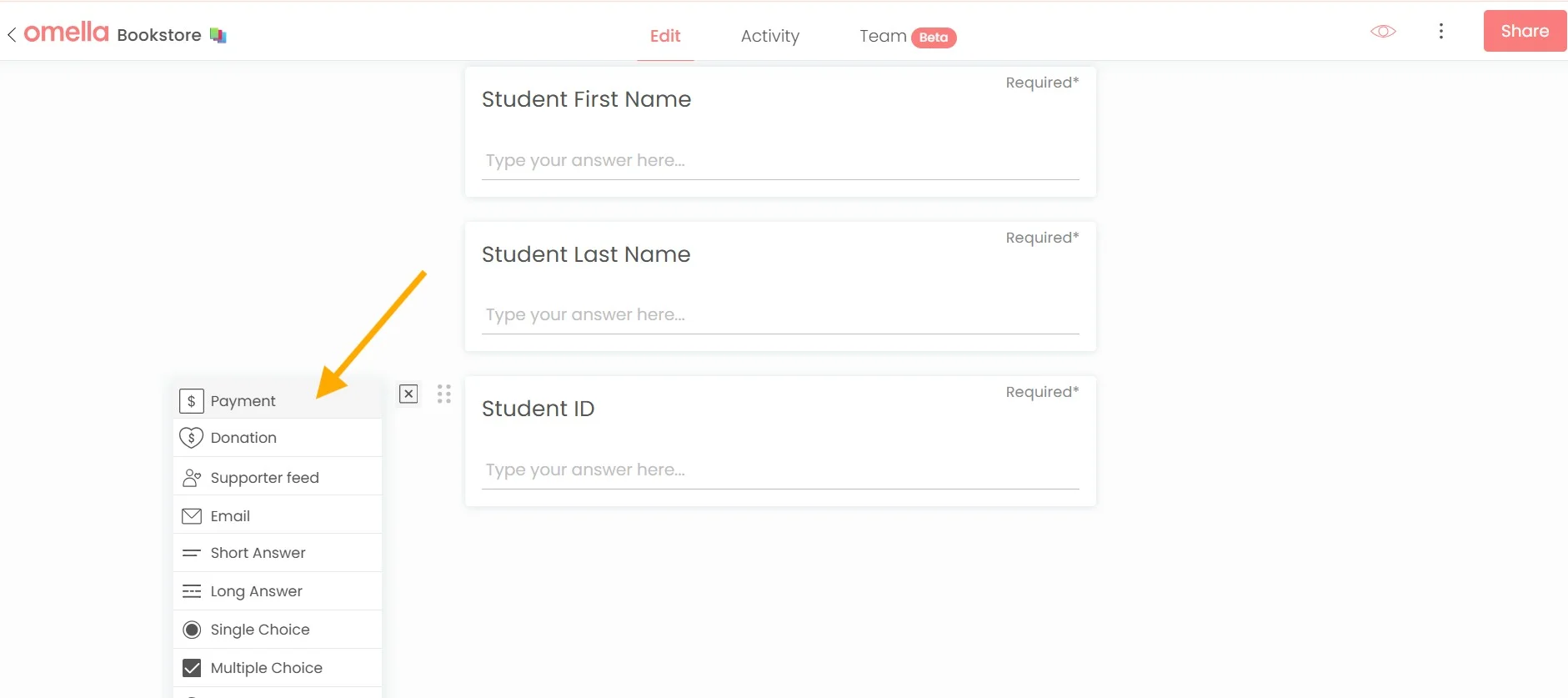
2. Add the payment block:
3. Set inventory:
Click anywhere inside the block:
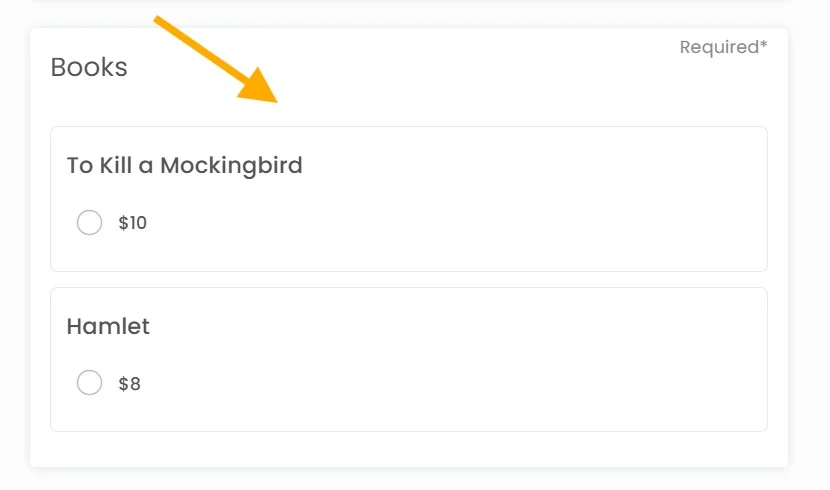
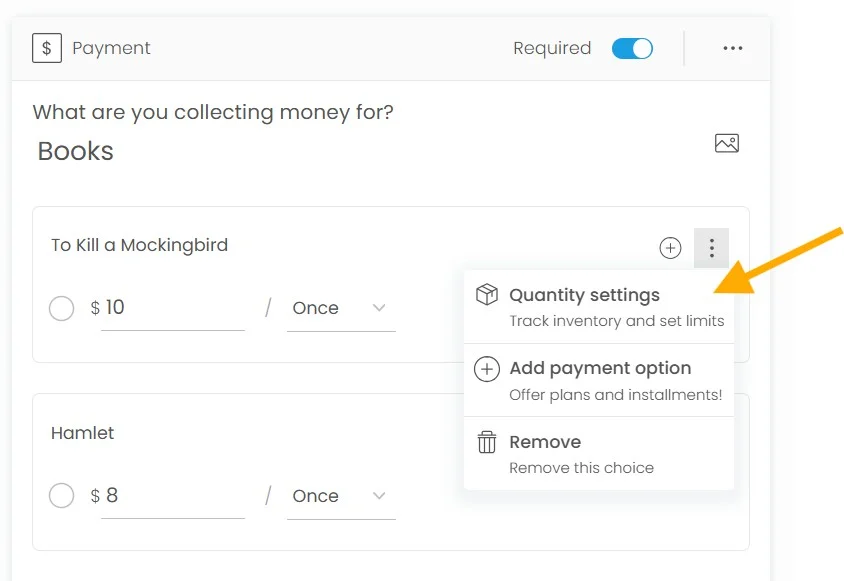
Click the three dots > "Quantity settings":
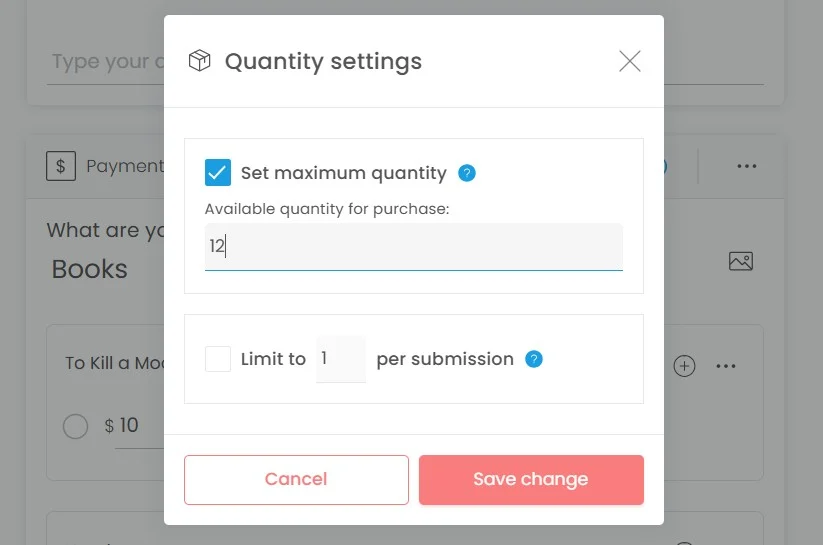
Enter the quantity available for purchase > press “Save change”:
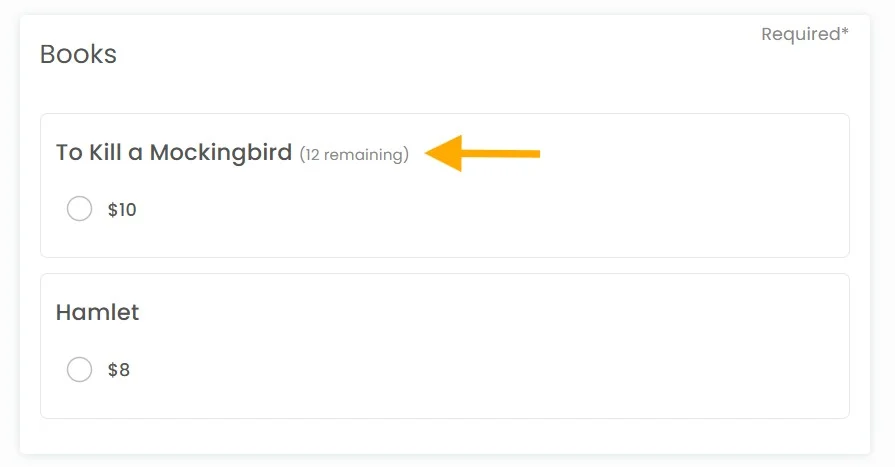
Payer view mode:
4. Drag and drop blocks:
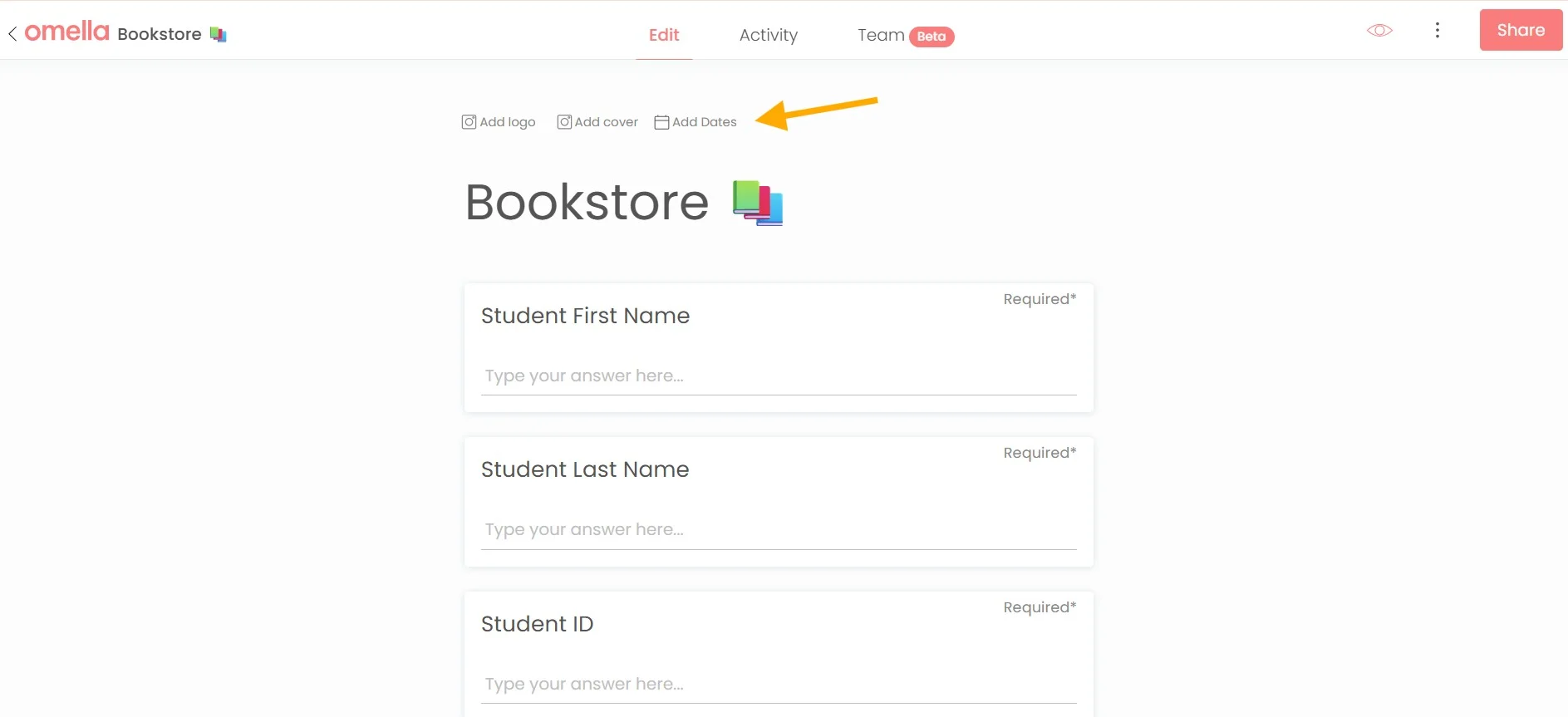
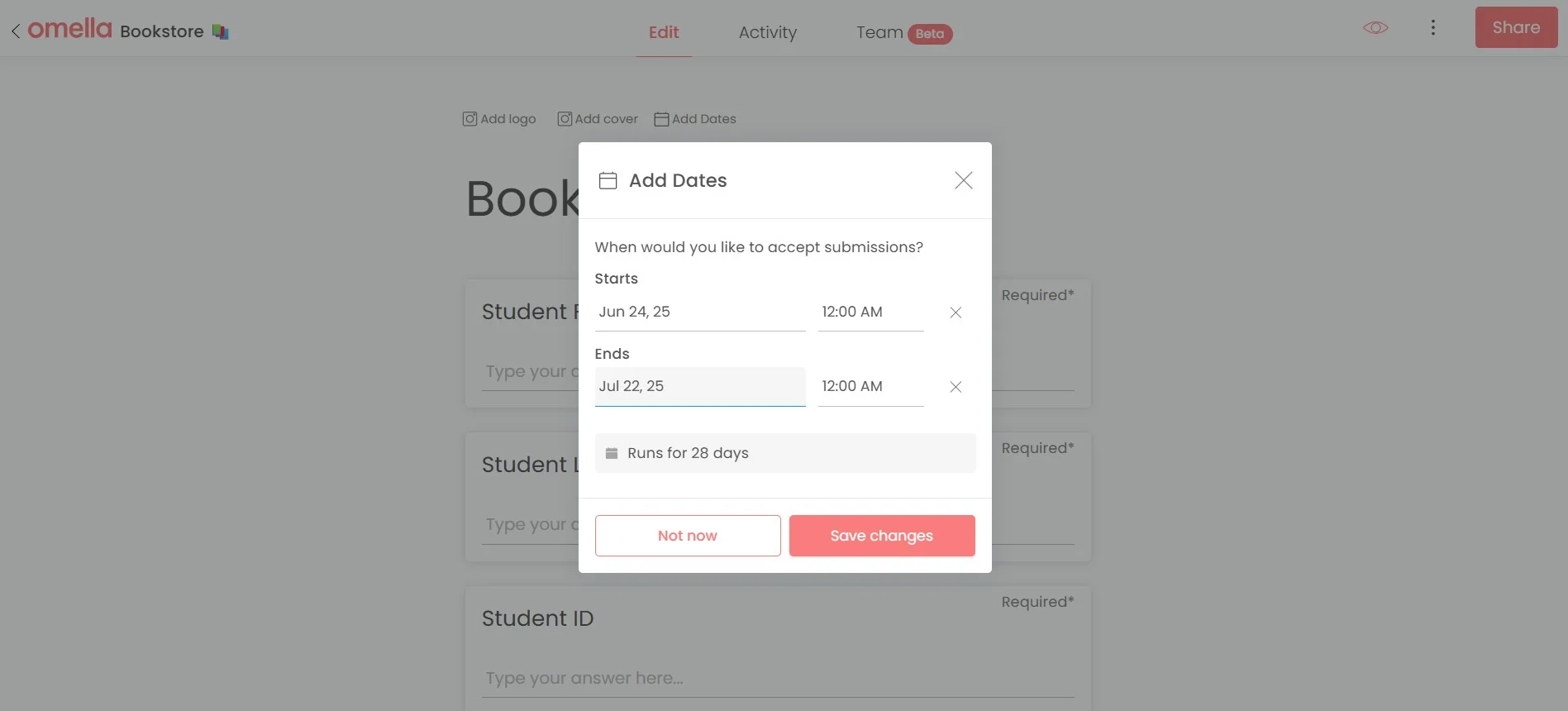
5. Set sales start and end dates:
Click "Add Dates", update the info, then hit "Save changes":
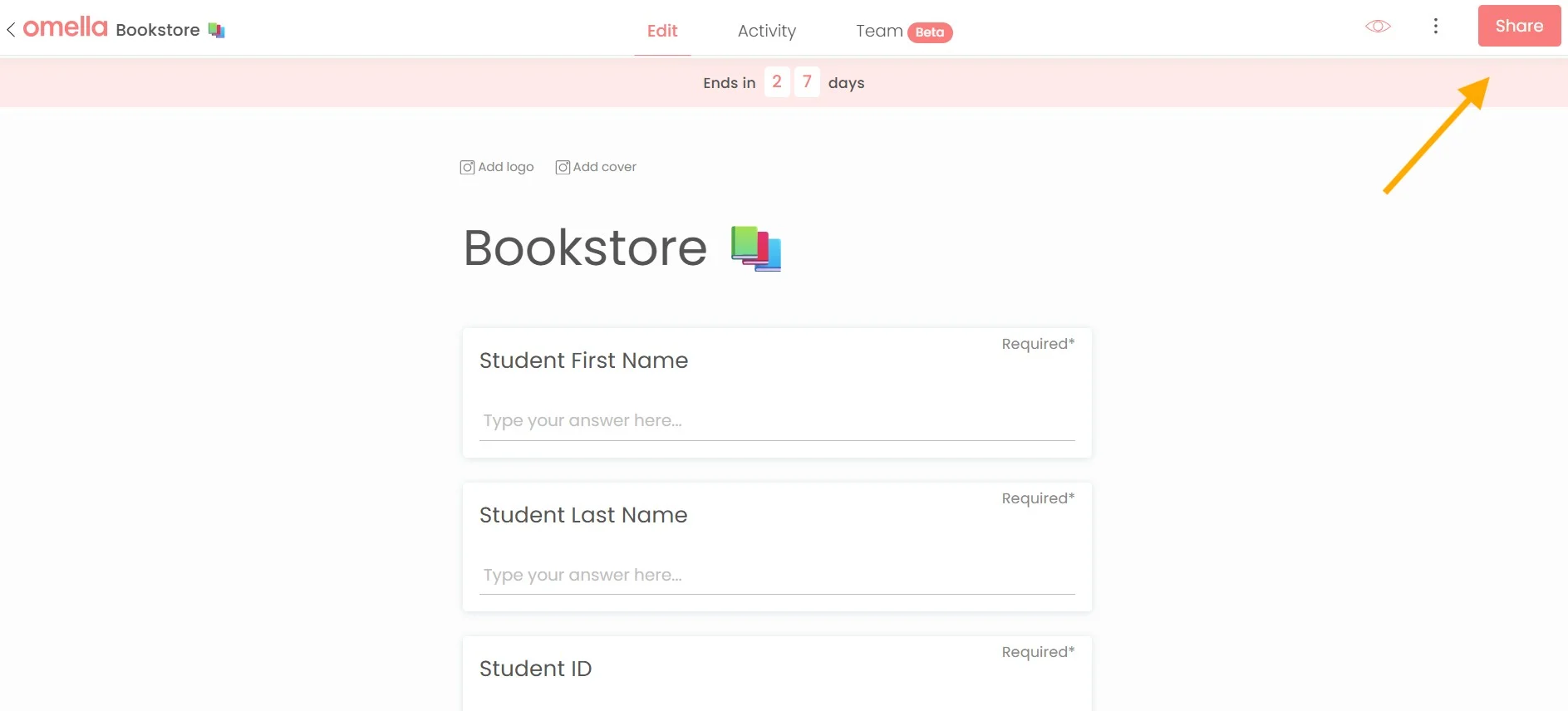
6. Edit sales dates:
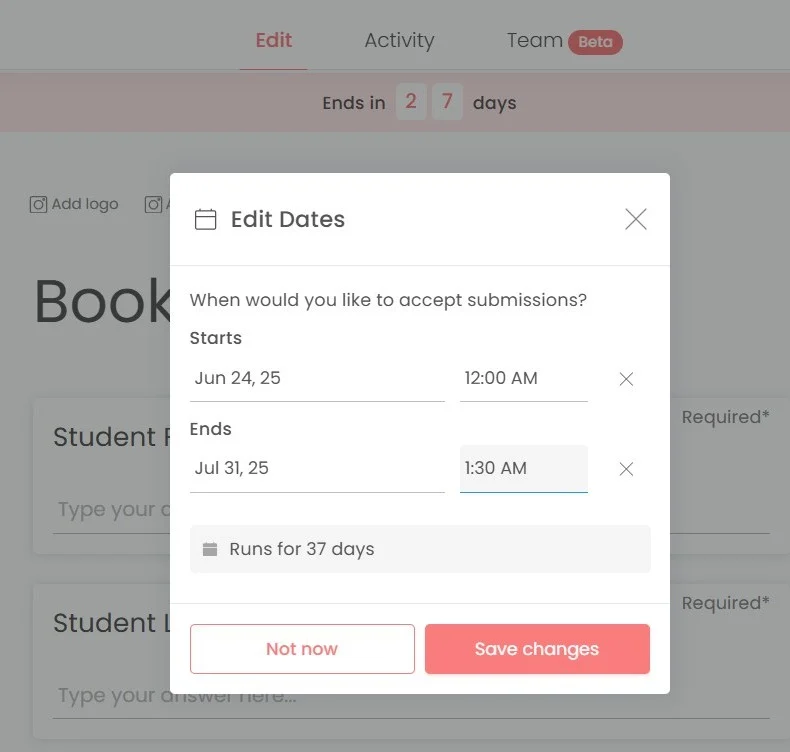
Hover over the pink bar. Once it turns gray, click “Edit dates”:
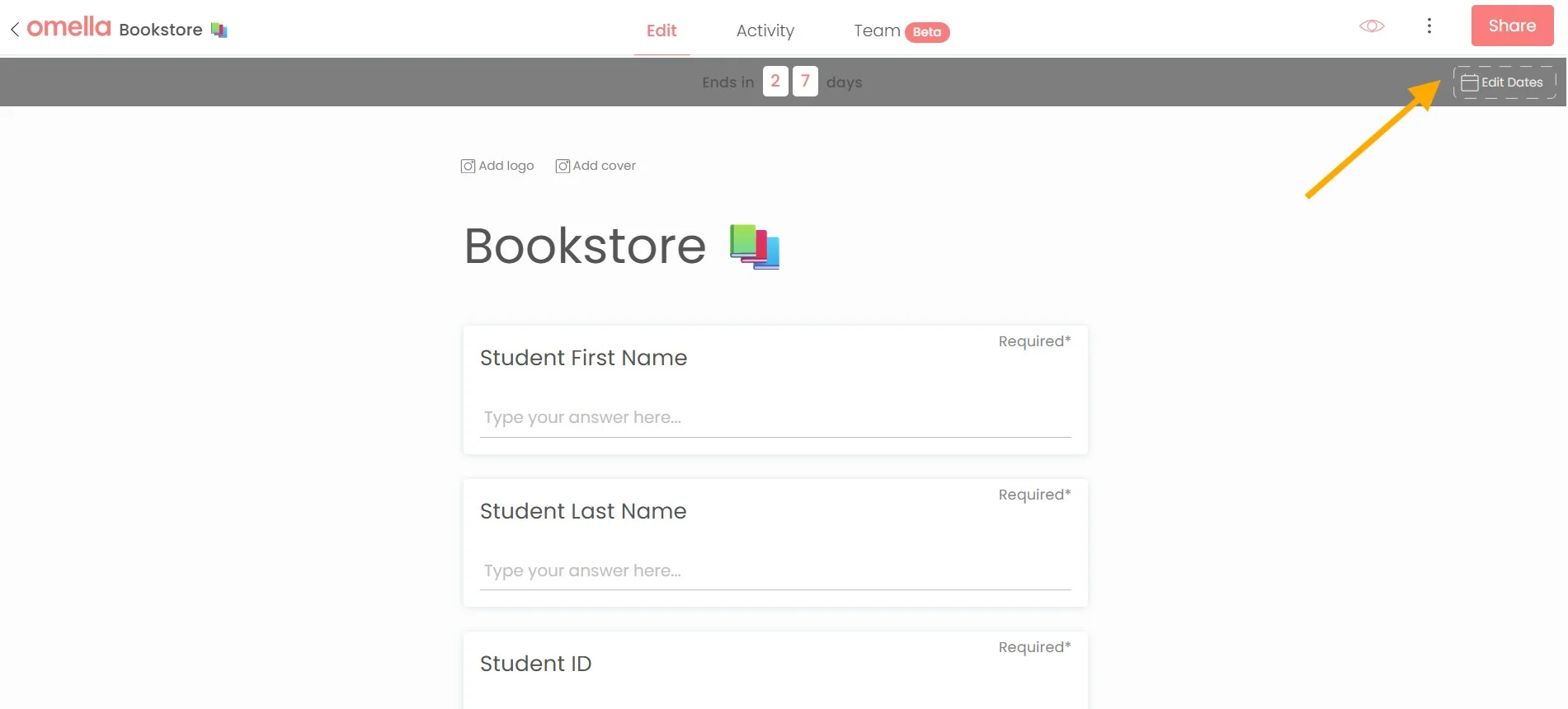
Edit the dates and then hit "Save changes":
7. Add a YouTube video to your page:
Simply copy and paste the video URL and then click "Embed video":
8. Add cash/check as a payment method:
Click the three dots > "Settings":
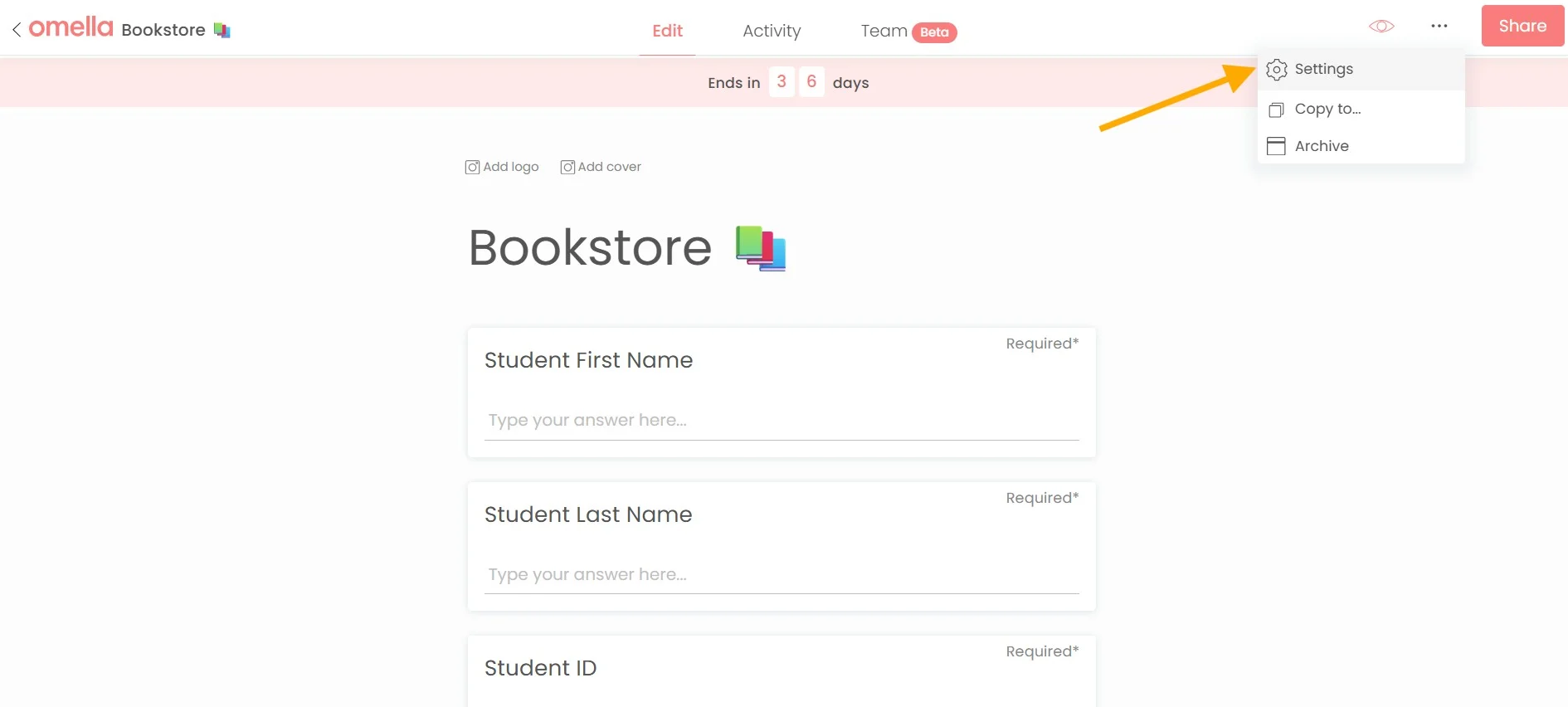
Enable the Cash/Check option > add the instructions > press “Save”:

9. Add cover and logo images:
Click "Add logo" and/or "Add cover":
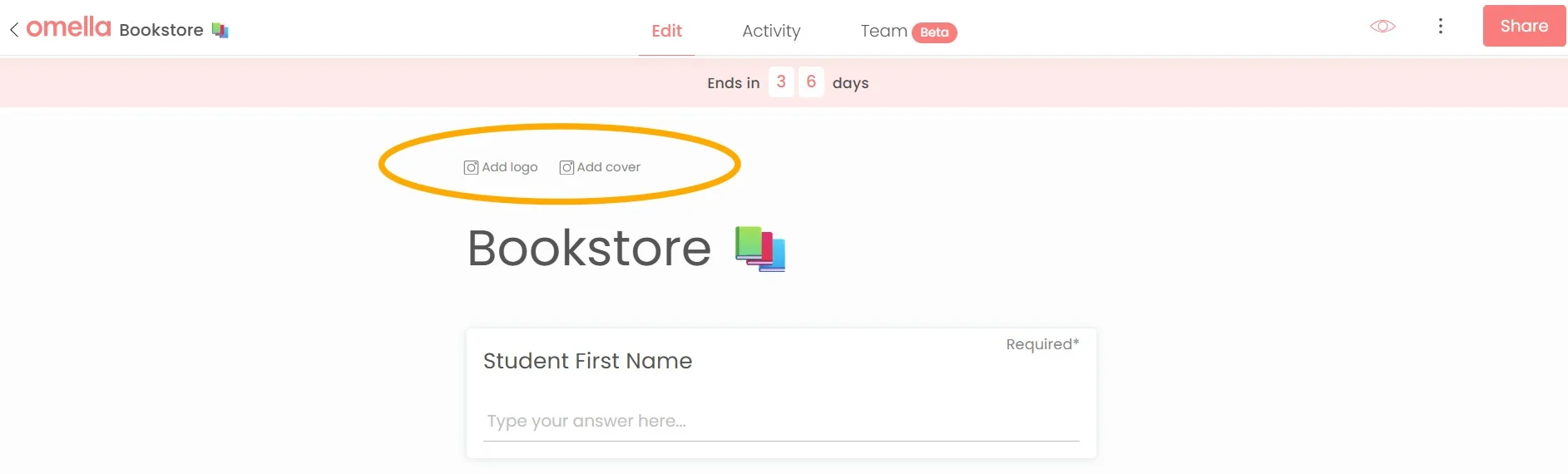
Upload your media:
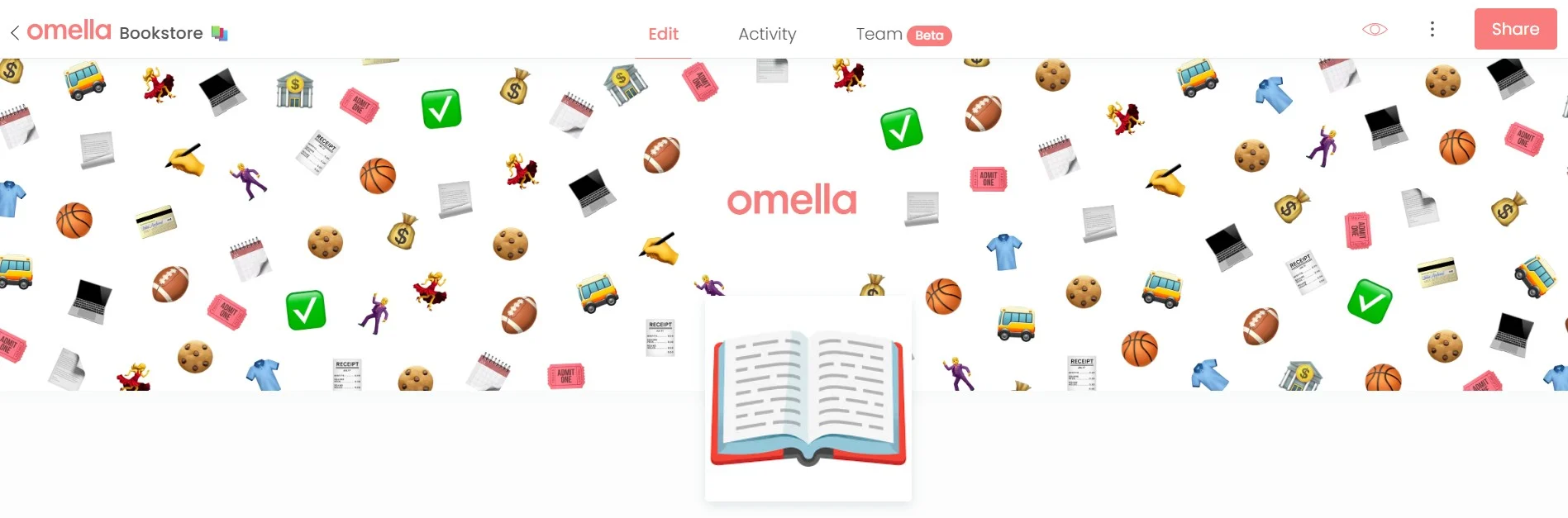
To replace the media, simply hover over the images and click "Edit":
10. Share the page:
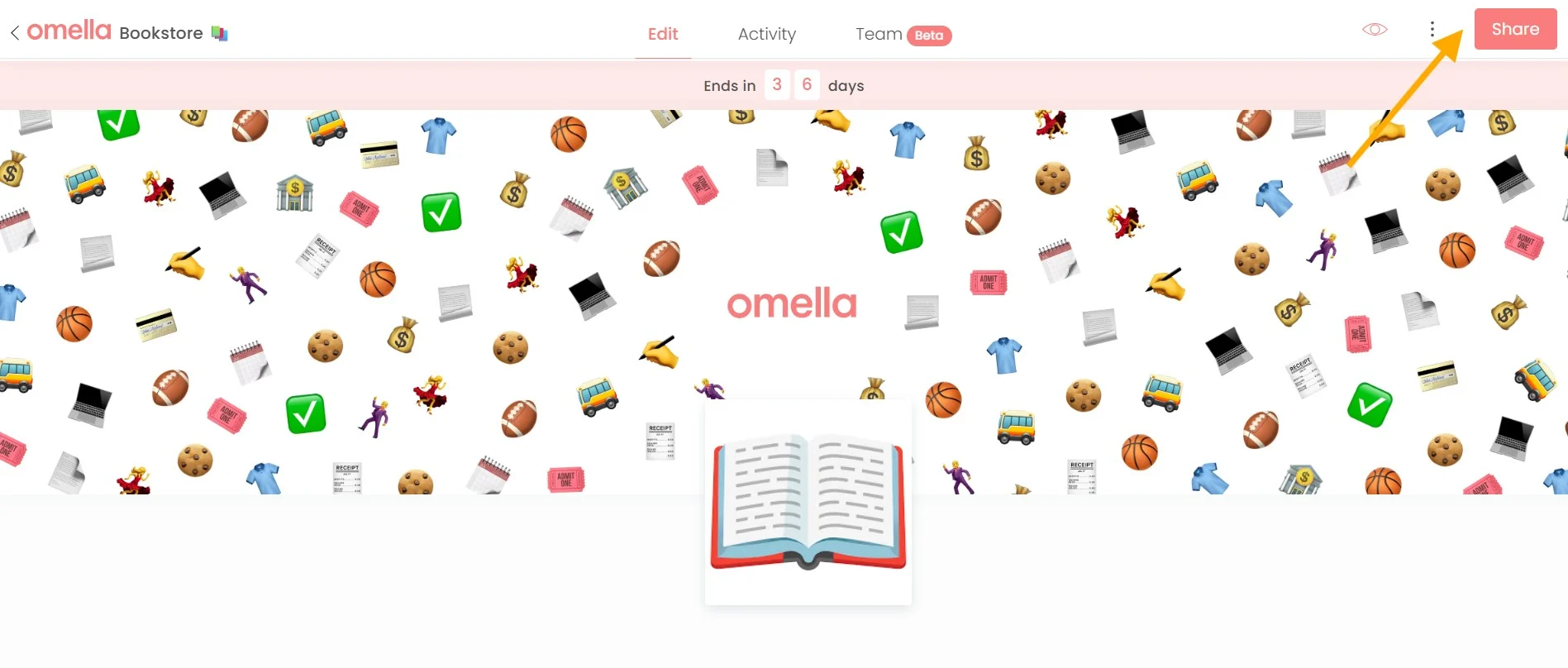
Make sure you’re logged in > open the page > “Share”:
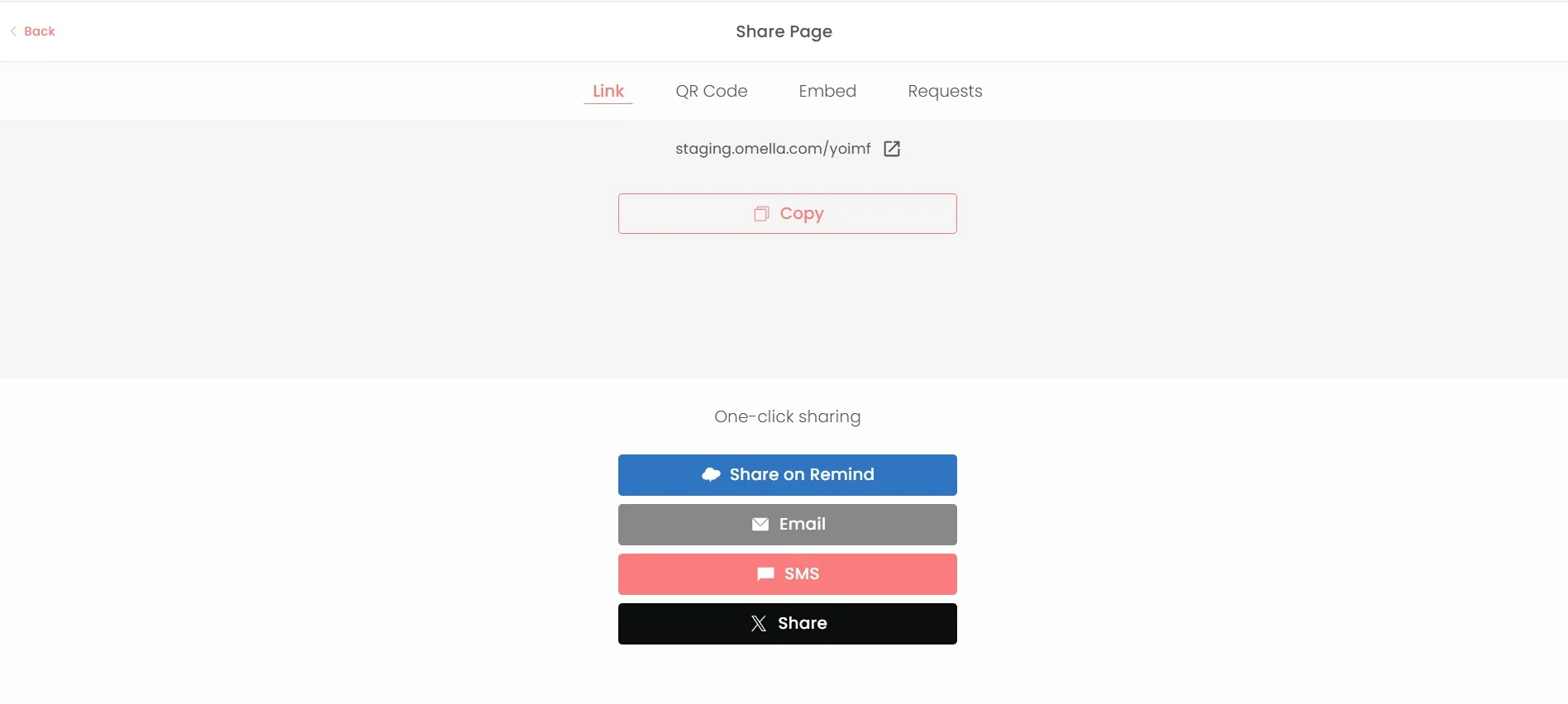
Share via Link, QR Code, SMS and much more!
💡 You can learn much more in our Features help chapter!